Intentional YT vs Unhook vs UnTrap: features compared
If you're choosing between these extensions, start with what you want YouTube to do differently. Hiding the homepage might be enough. Or you might want to filter particular channels and stop watching after a daily limit.
I'm Manas, and I build Intentional YT, so I have a stake in this comparison. It covers documented features, not a hands-on speed or reliability test. The Unhook and UnTrap details were last checked against their official sites on September 28, 2026; check their listings for any changes since then.
Unhook: hiding feeds and distractions
Unhook's official site lists controls for hiding suggestion feeds, comments, and other distractions. If you want a simpler YouTube page, check its store listing for the controls and terms that apply to your browser.
I haven't tested every current Unhook feature. If something you need isn't mentioned here, check its listing before ruling it out.
UnTrap: customization and time controls
UnTrap's official site describes broad page customization alongside content filters and time controls. It also offers optional Plus features. Check its current listing for the features and terms available in your browser.
An earlier version of this article understated UnTrap's time controls and filtering. I've corrected that. I also don't have measurements that would justify calling either competitor slower or more prone to flicker.
Intentional YT: local settings and daily watch budgets
Intentional YT combines hiding controls with daily playback limits, channel and keyword blocklists, scheduled blocking, and Focus Lock. The extension stores preferences and watch-time counters locally, without an account or extension telemetry.
A daily watch budget pauses the video when your minutes run out. Focus Lock adds a PIN and a waiting period before you can change protected settings. You can still disable or uninstall the extension through your browser.
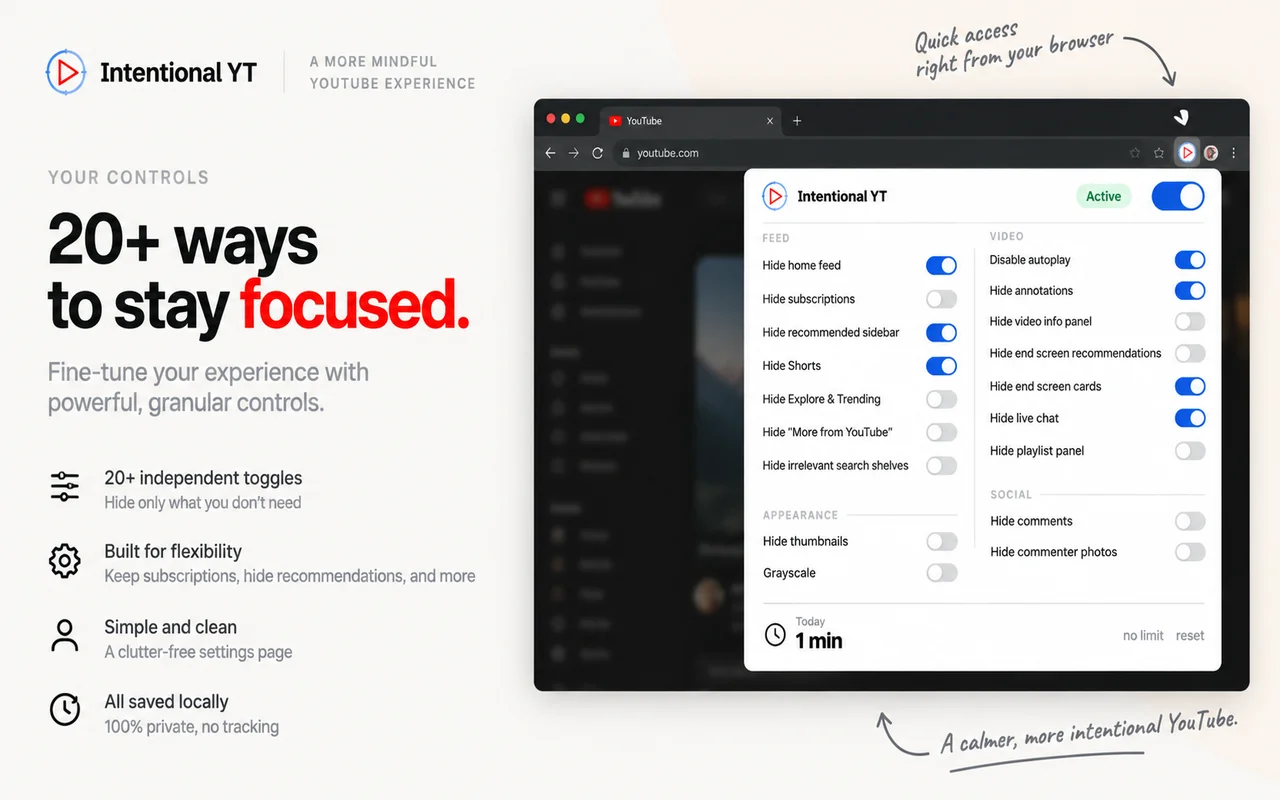
Scheduled blocking applies rules during selected hours and days. This can be useful if you need YouTube for tutorials during work but want a different setup afterward.
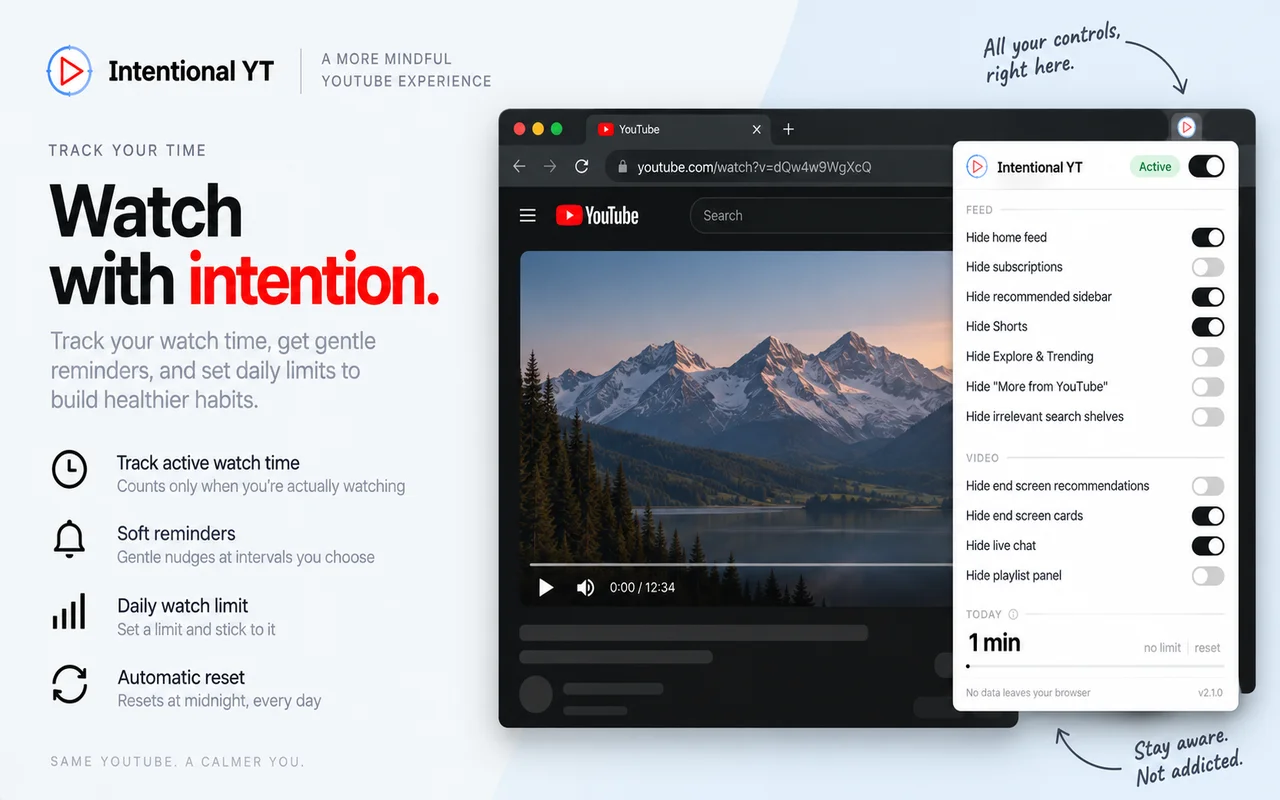
Feature overview
| Area | Intentional YT | Unhook | UnTrap |
|---|---|---|---|
| Distraction controls | Home feed, Shorts, sidebar, and other controls | Distraction hiding controls | Page customization controls |
| Time management | Daily playback budget and schedules | Check current listing | Time controls advertised |
| Filtering | Channel and keyword blocklists | Check current listing | Content filtering advertised |
| Availability | Free to install | Check current terms | Free and optional paid features |
| Settings storage | Local browser storage | Check privacy policy | Check privacy policy |
This is a starting point, not a complete feature list. Try the settings that matter to you in the browser you actually use.
Choosing an Unhook or UnTrap alternative
Give your main use case a quick test. Open a video and see whether the distractions you wanted gone are hidden. If you're trying a timer, let it reach the limit once. For filters, use a channel or title you can already see in your results so you can tell whether it worked.
With Intentional YT, your watch counters stay in your browser. That also means there's no cloud sync, so don't expect a shared budget across devices. It doesn't offer AI video summaries either. I maintain it on my own, and YouTube layout changes sometimes need a fix from me.
To try its controls, follow the guide to hiding Shorts and recommendations or set a daily YouTube watch limit. The homepage links to official browser-store downloads and includes an interactive demo.
Try Intentional YT
Set a daily watch limit, hide distracting feeds, or use Focus Lock to add a cooldown before changing your settings. Your settings and watch-time counters stay in your browser, with no extension telemetry.